
My Astrocartography Tools

These are my go-to software tools that I use for my professional astrocartography readings. I use all 3 for different features.
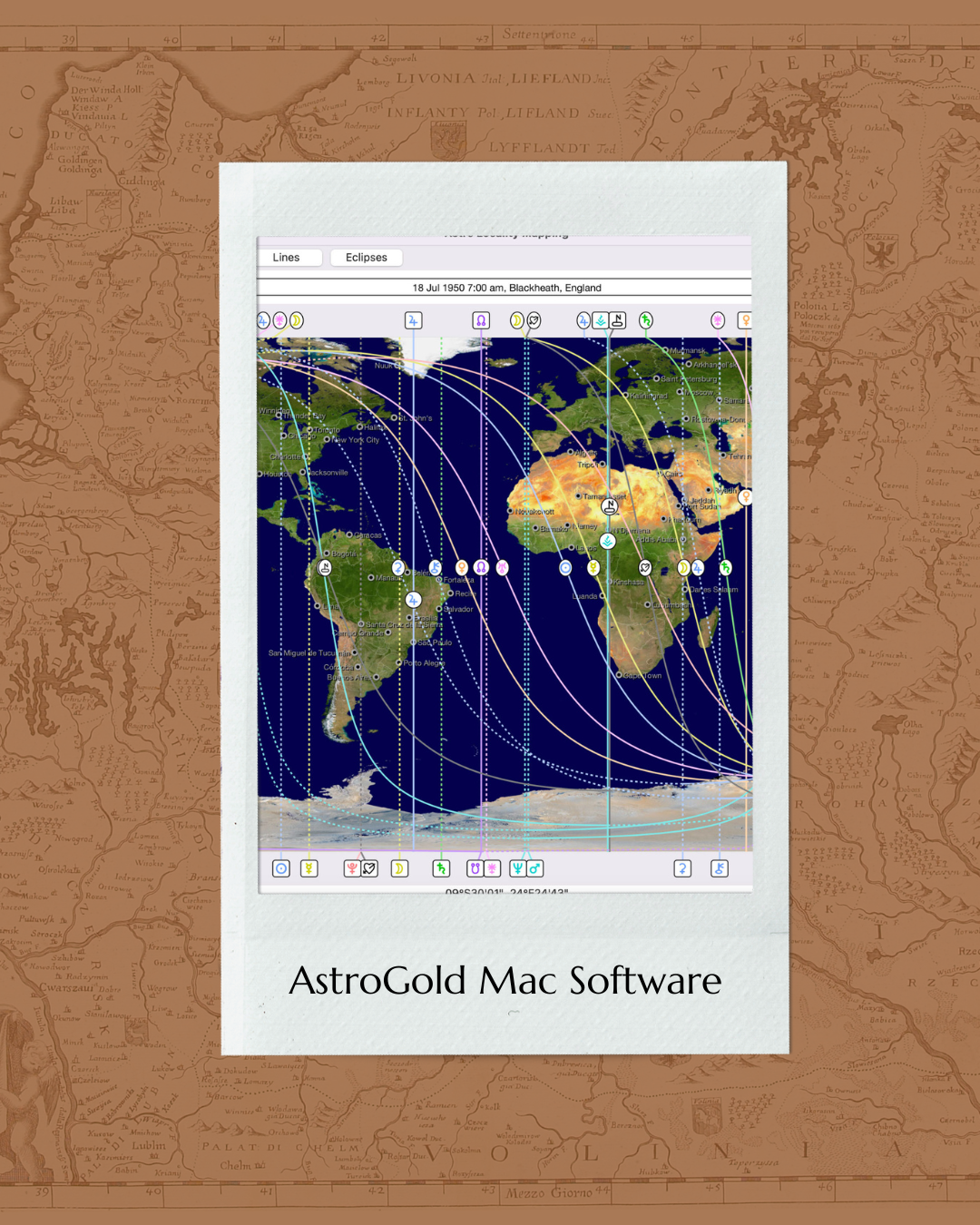
The image shows a cover for AstroGold Mac Software with an overlay of an astronomical software interface, displaying a world map with celestial trajectories and data from July 18, 1950, at 7:00 am in Blackheath, England.

AstroGold Mac OS is the software I use for my professional readings. It’s super user-friendly and shows interpretations of the lines. Use code “DUSTANDRUBY10” for 10% off
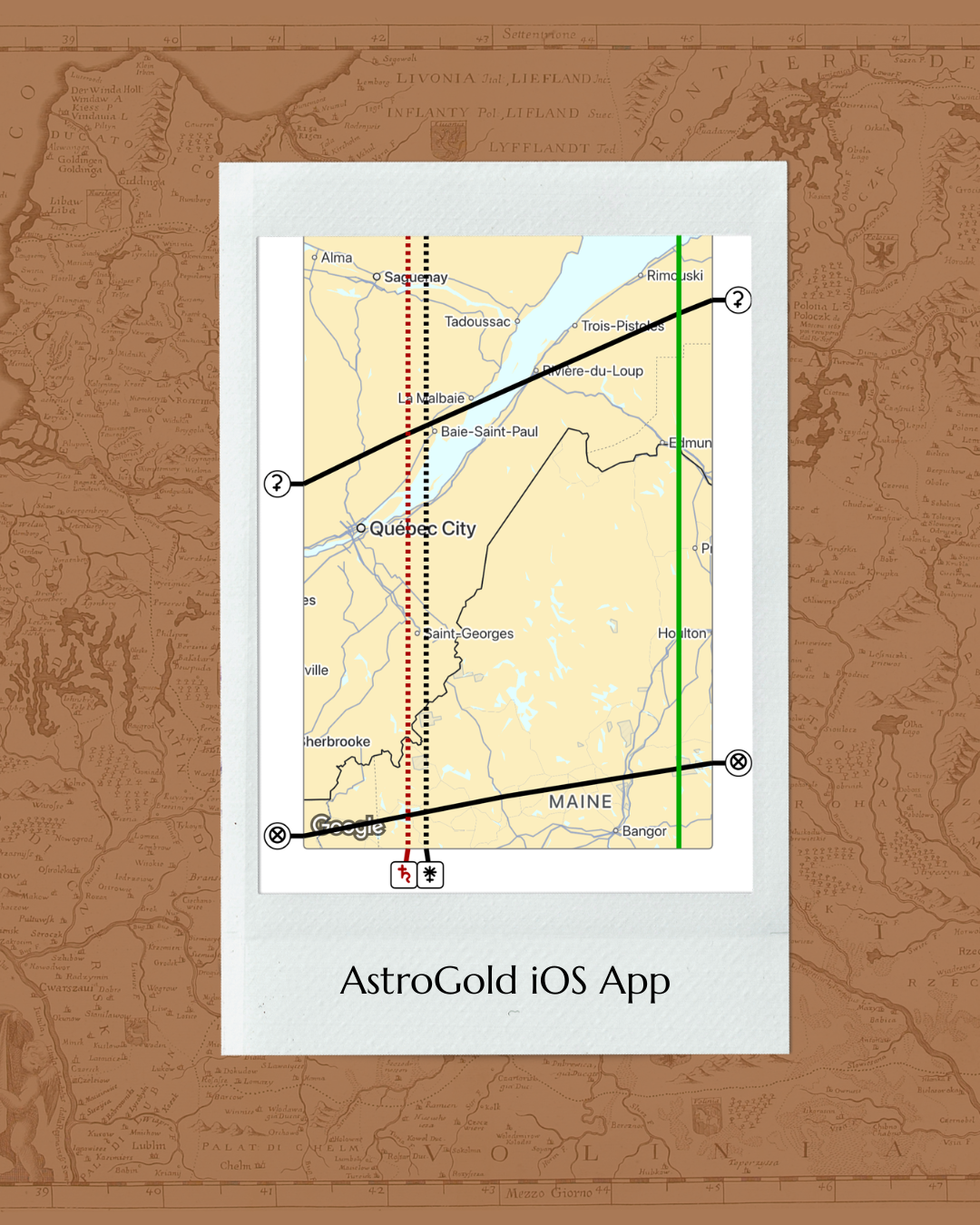
Map showing a train route through Quebec and Maine with various cities and lines, including a red dashed line in Quebec, a black line for the train route, and color-coded markers at key locations, labeled 'AstroGold iOS App' at the bottom.

AstroGold for iOS is amazing too! You can zoom way in to see the parans. Love this tool for astromapping on the go!
Get AstroGold iOS for Phone
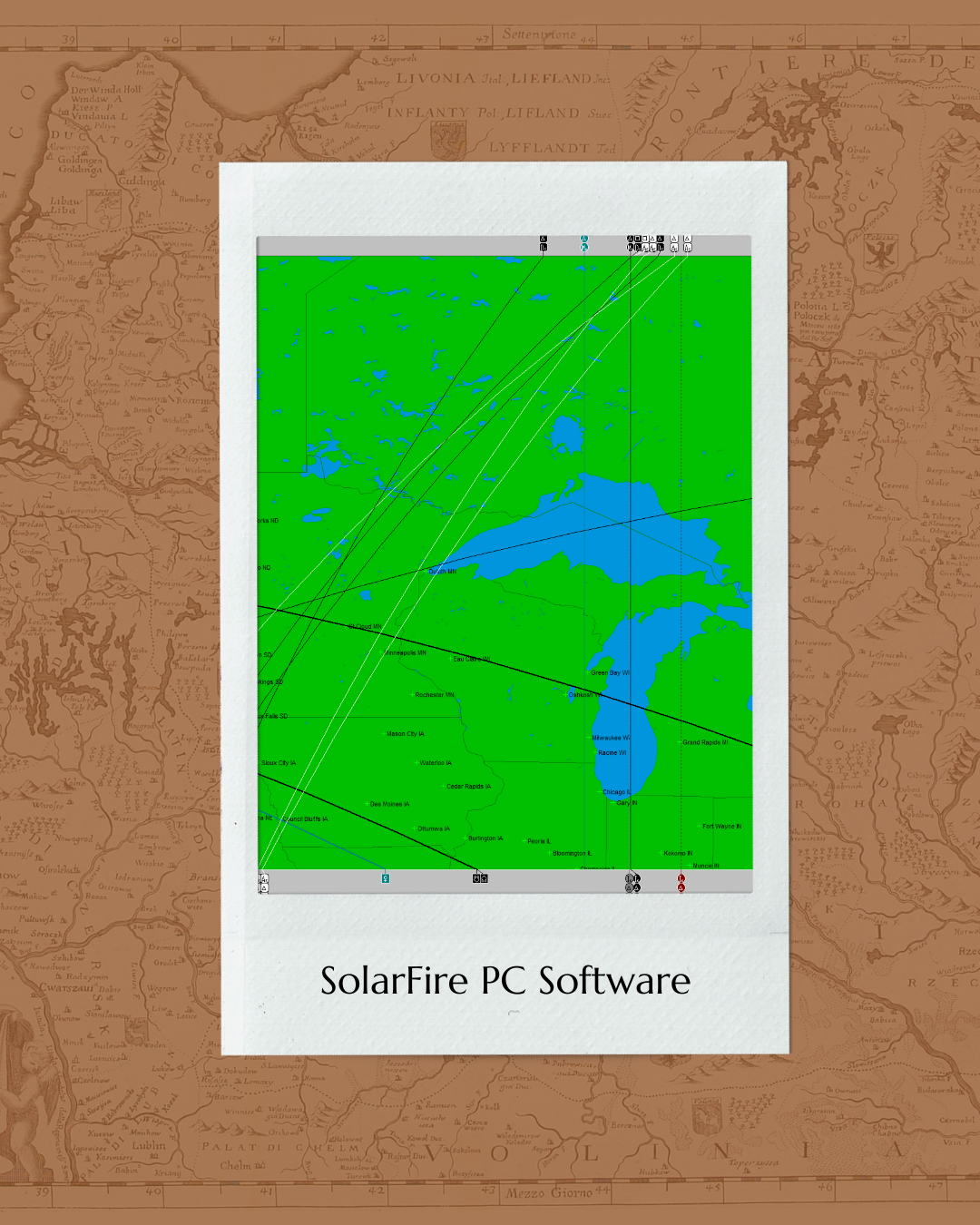
Cover art for SolarFire PC Software featuring a map of the Great Lakes region of the United States and Canada with grid lines and station labels, with a white border and the title "SolarFire PC Software" at the bottom.

If you have a PC, or PC-emulator like Parallels, you can use this classic software that has so many amazing astrocartography features, like midpoint lines, and super zoomed in views of the parans

Get SolarFire for PC
Get AstroGold Software for Mac

What’s on my bookshelf?

Astrology for the Soul
By Spiller, Jan
Buy on Amazon
Buy on Amazon
Buy on Amazon
Shop Now
Buy on Amazon
Buy on Amazon
Buy on Amazon